

Account profile and security
Manage account access, identity connections, password changes, and recovery.
Open the account menu and select Account settings. Account security protects your AegisRunner login; the credentials for the application under test are managed separately in App access.
Profile and sign-in
Use Profile to review your name and account details. Complete email verification when requested so that your account can use the relevant testing features.
Use Security to change your password and review available connected identity or session controls. A password change can revoke existing sessions; sign in again when the app requests it.
Recover access
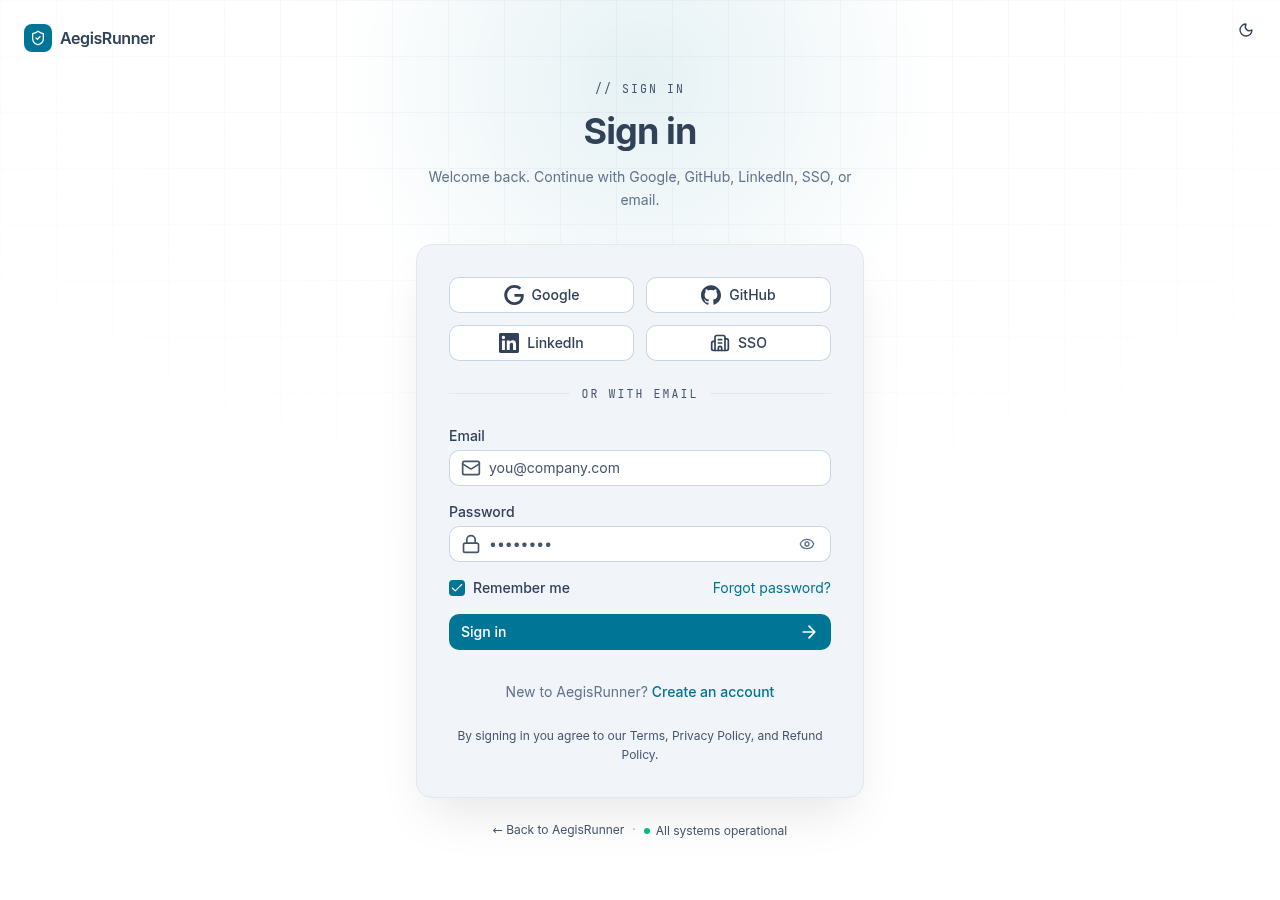
Use Forgot password on the sign-in page for an account that uses a password. For an identity-provider account, use the appropriate provider's sign-in or recovery flow.
If two-factor authentication is enabled, keep its backup codes available in your own secure storage. See Two-factor authentication.
Organization security
Organization administrators can manage available team security settings and SAML SSO. Account settings and project membership have different scopes; use Teams and permissions to understand the distinction.
For activity investigation, review Audit logs. Contact support with the account email and safe diagnostic details when recovery does not resolve the issue.